


Pin details
to your
photos
PikTak is a photo documentation app for inspections, projects, inventory, field work, and home organization. Drop pins on any photo, add notes, share with others, approve details, and search every visual record.
How PikTak works
Get up and running in minutes. No learning curve.
Take or upload a photo
Use any photo from your camera roll or snap a new one. Organize it into a gallery in seconds.
Drop your pins
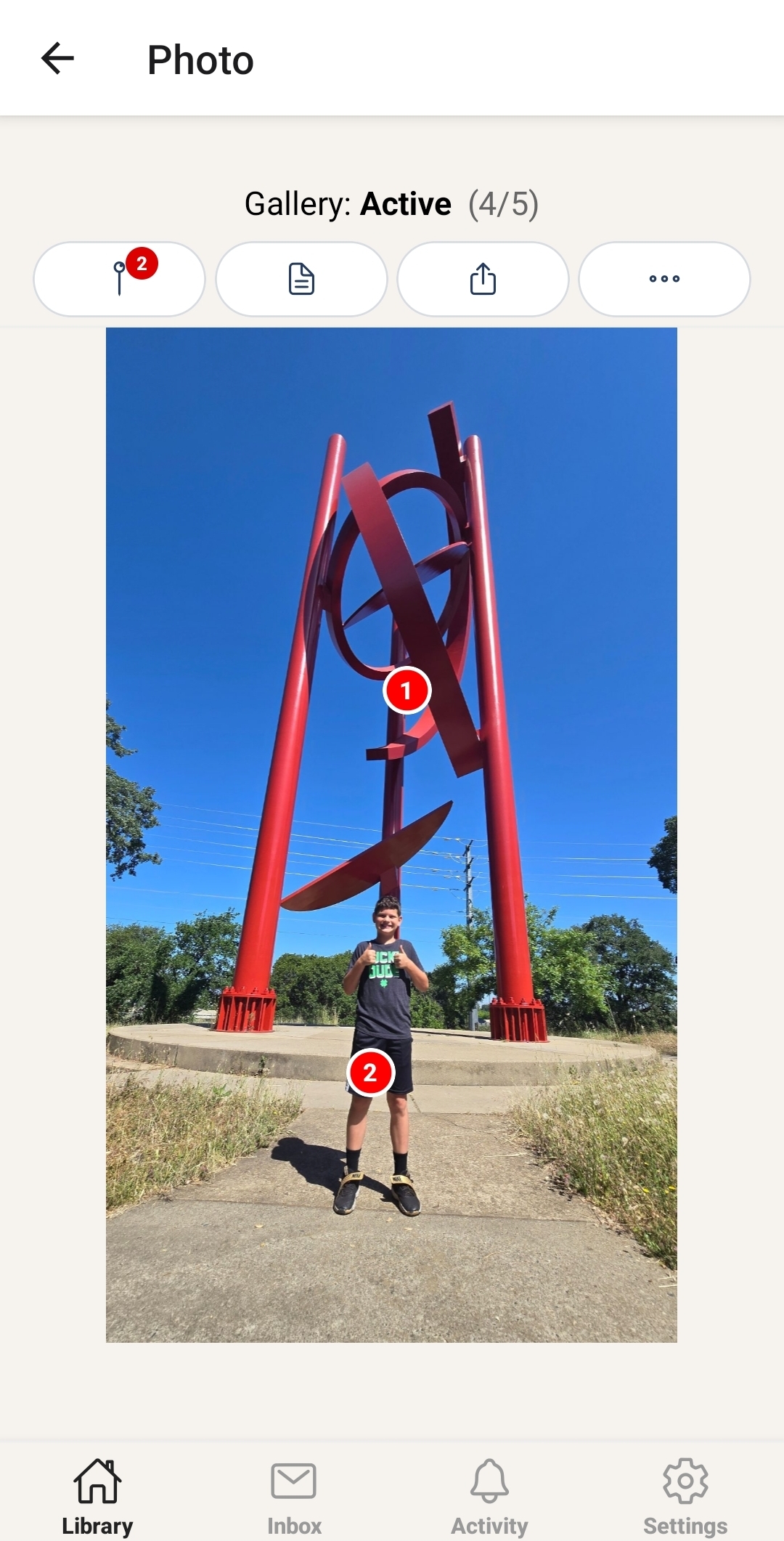
Tap anywhere on the photo to add a pin. Give it a title, description, and notes. The AI summary is ready instantly.
Share & collaborate
Invite teammates with exactly the permissions they need. Approve pins, lock records, and track everything in the activity feed.
See it in action
Two quick examples — one for home organization, and one for business documentation.
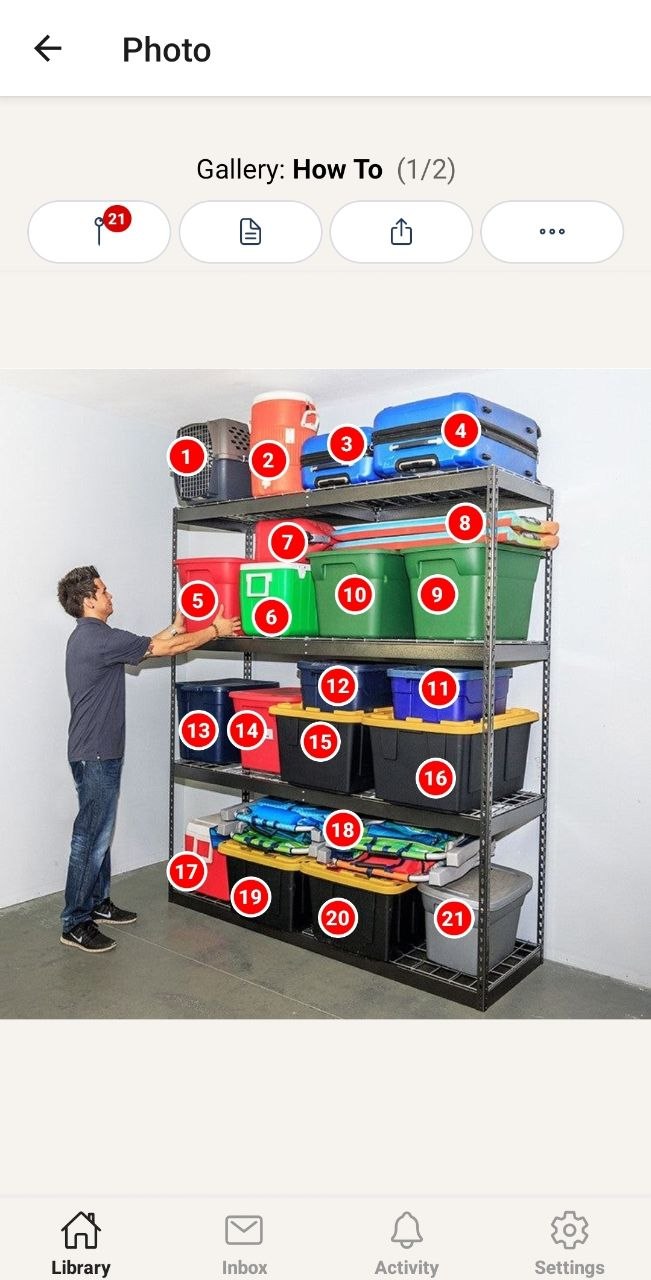
Gallery: Garage · Pins: 21
Preview pins
-
1Pet CageUsed for pet travel, training, or confinement.
-
2IglooCold drink dispenser.
-
3Winter clothingGloves, mitts, and hats.
-
4Winter clothingBoots, pants, and jackets.
View all 21 pins
- 5Board GamesMonopoly, Risk, Candy Land, Cards Against Humanity.
- 6Ice ChestCold storage bags for easy travel.
- 7Gas Can5 gallon.
- 8Body boardsBeach surf island.
- 9ChristmasOrnaments, hooks, skirt, balls.
- 10ChristmasLights decor.
- 11Camp gearMess kit, soaps, lighter, paper products.
- 12Camp gearPoncho, first aid kit, flashlight.
- 13Fall DecorPumpkin and thanksgiving decorations.
- 14Family photosA lot of old photos.
- 15Tarps4 different sizes.
- 16Blow up mattress3 different sizes.
- 17Portable ice chestEmpty.
- 18ChairsBeach folding chairs.
- 19BlanketsKids blankets from when they were young.
- 20CookwareExtra pots, pans, and lids.
- 21ElectronicsOld game consoles like Nintendo, Xbox, and PlayStation with games and controllers.
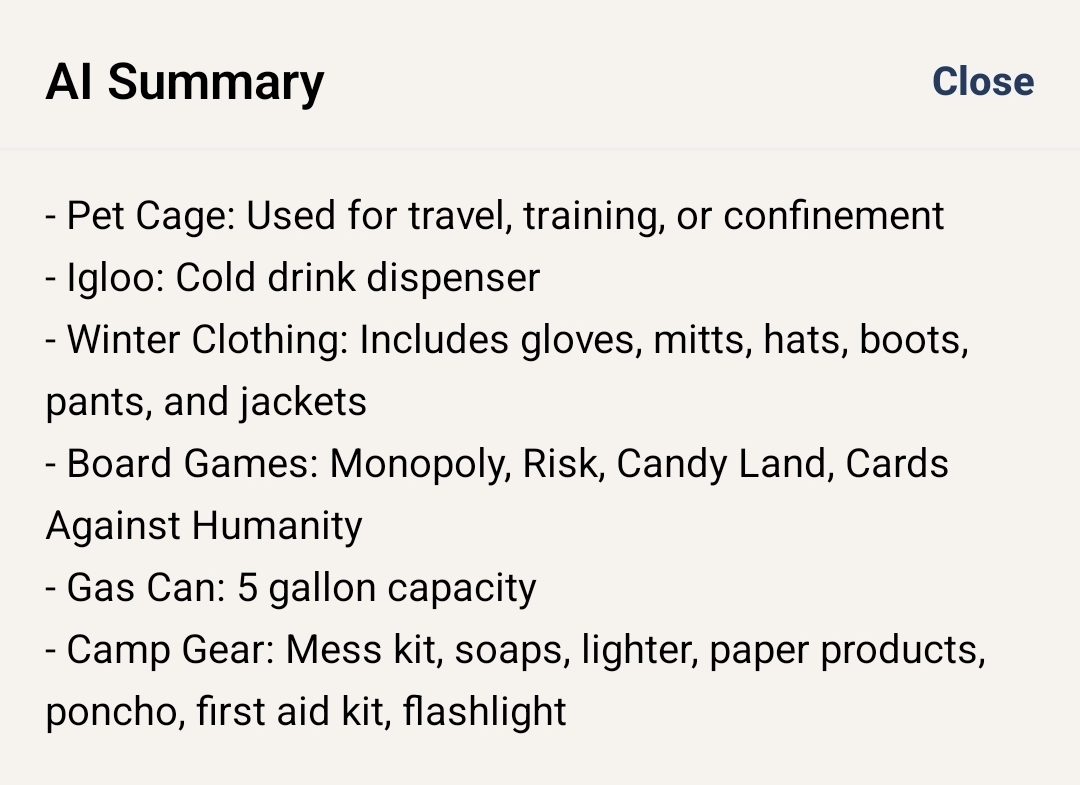
🤖 AI Summary (Garage)
Example of PikTak's AI Summarize feature for this gallery.
Gallery: Work · Pins: 8
All pins (8)
-
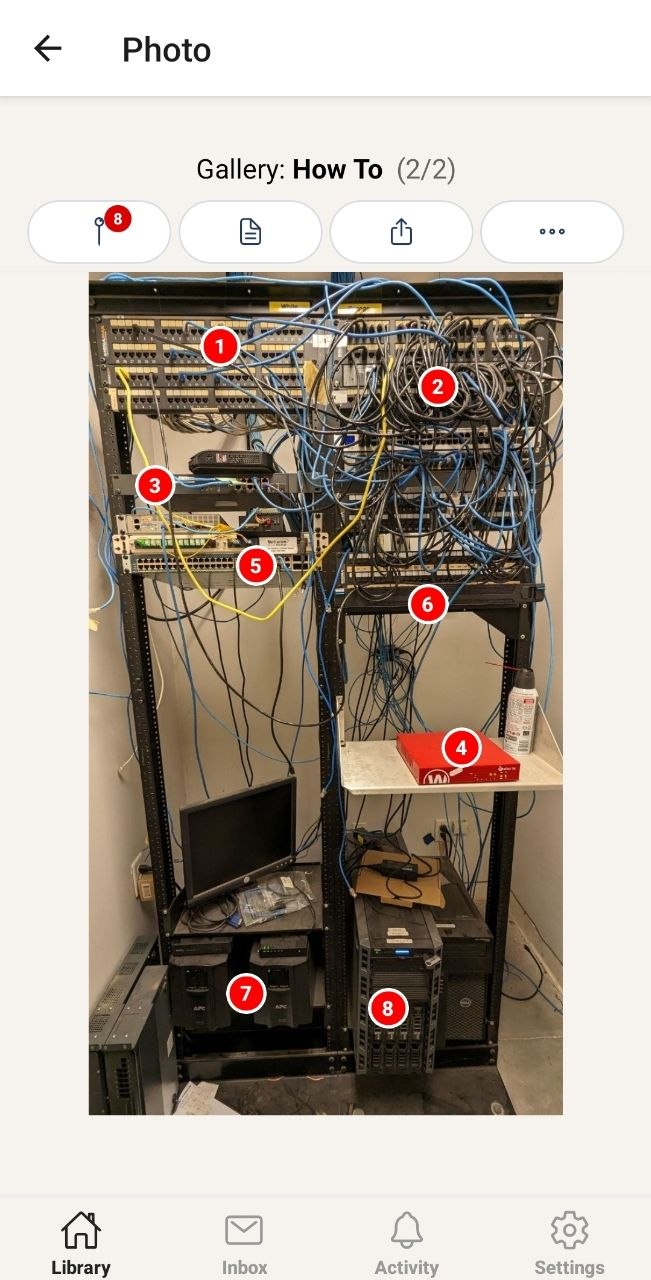
1Patch panelsPorts 1–12 Office A · Ports 13–24 Office B · Do not re-patch without updating the map.
-
2Cable bundleUnmanaged patch cables · Legacy cabling · Candidate for cleanup and labeling.
-
3ISP hand-offInternet demarc — Mediacom · Outage scope starts here · Do not unplug.
-
4WatchGuard firewallWAN → Mediacom · LAN → core switch · Managed by MSP.
-
5Core switch (Cisco)Uplink to firewall: Port 48 · VLAN trunk ports 45–47.
-
6Datto BDRNightly image backups · Managed by MSP · Do not unplug.
-
7UPS backup batteriesSupports firewall, switch, and Datto · Runtime ~25 min · Last replaced 2023.
-
8Dell PowerEdge serverPrimary server · File server + VMs · RAID · Single point of failure.
🤖 AI Summary (Work)
Example of PikTak's AI Summarize feature for this gallery.
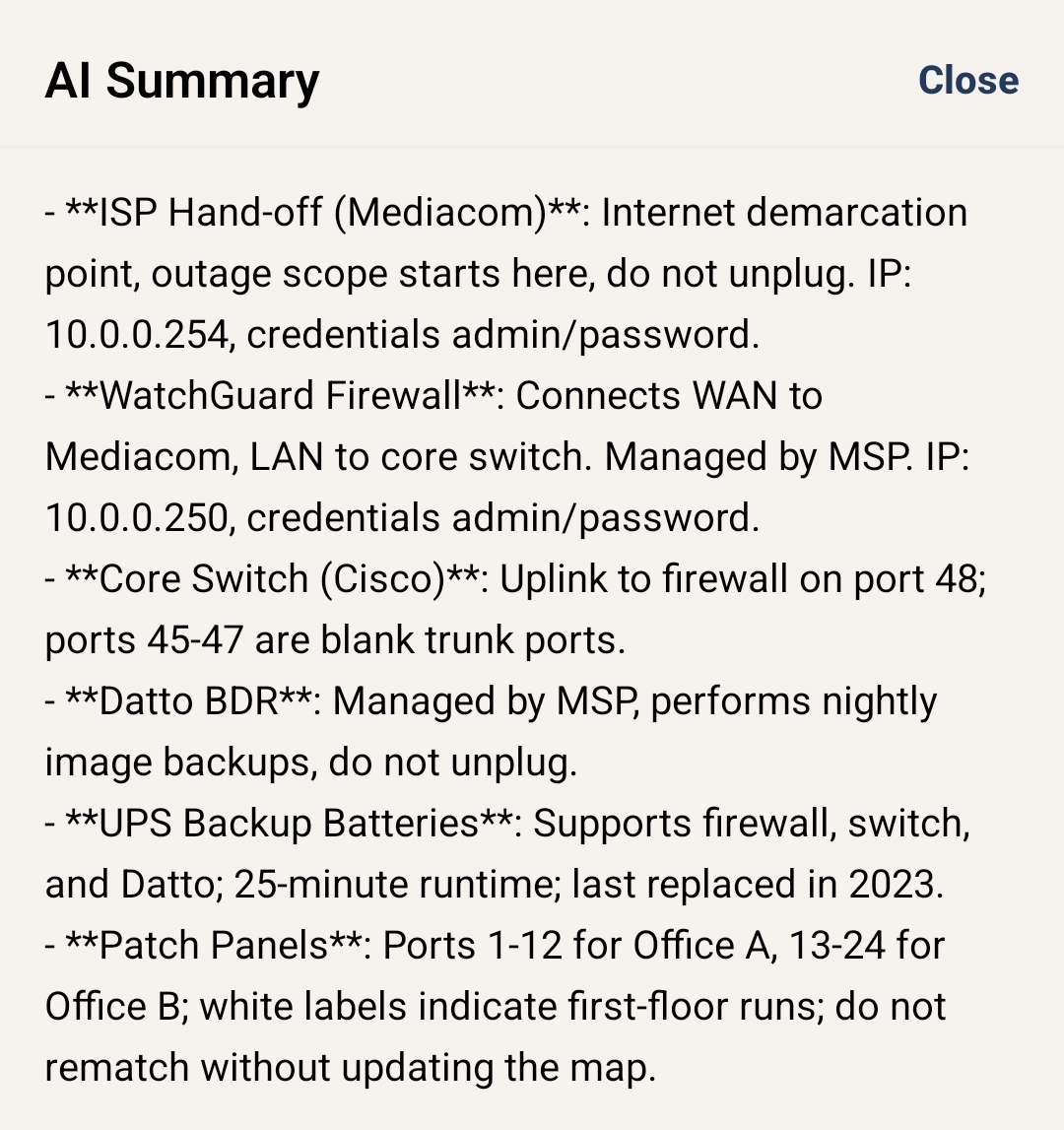
The app, up close
A few looks at PikTak in the wild.
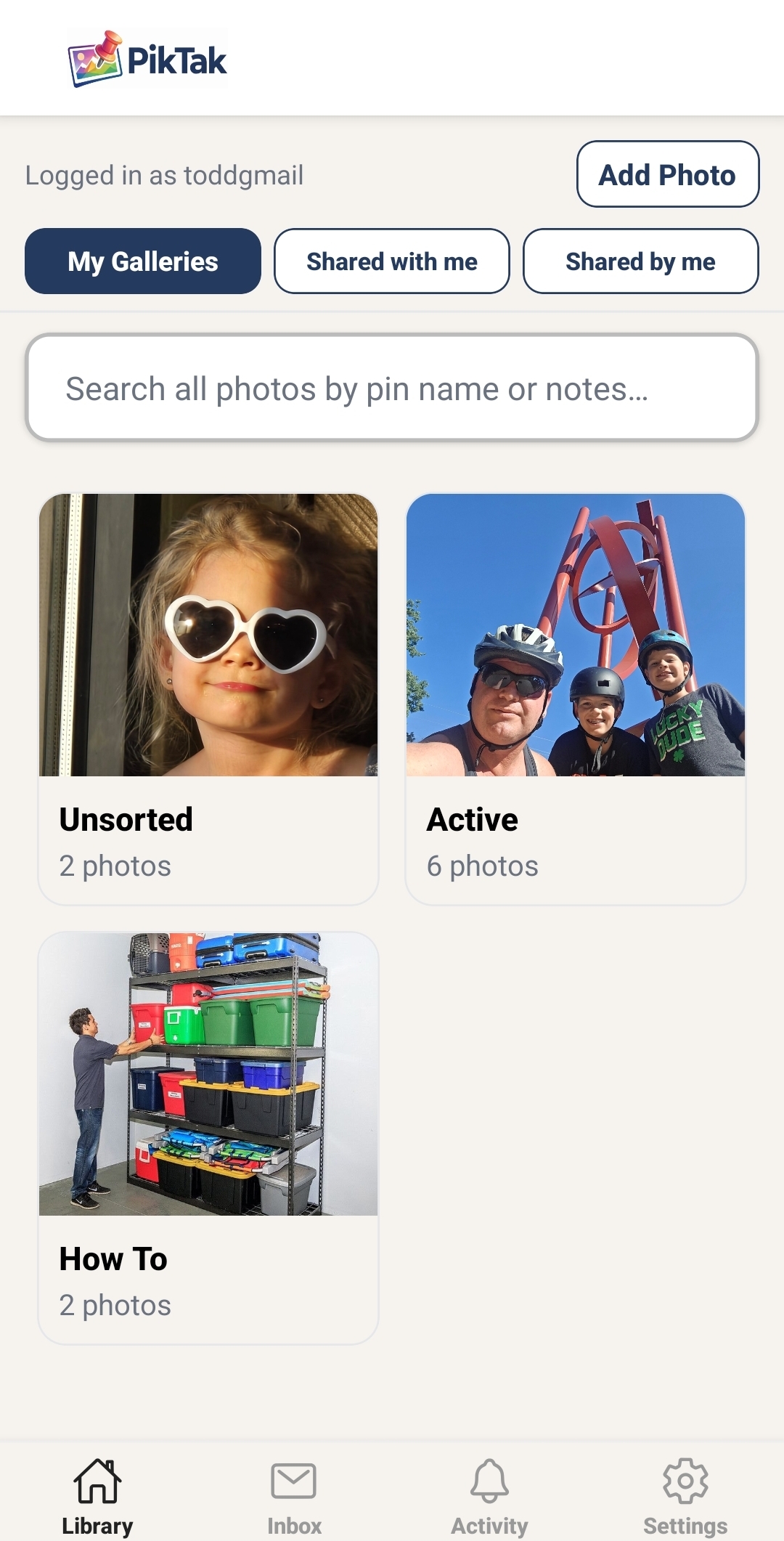
Gallery
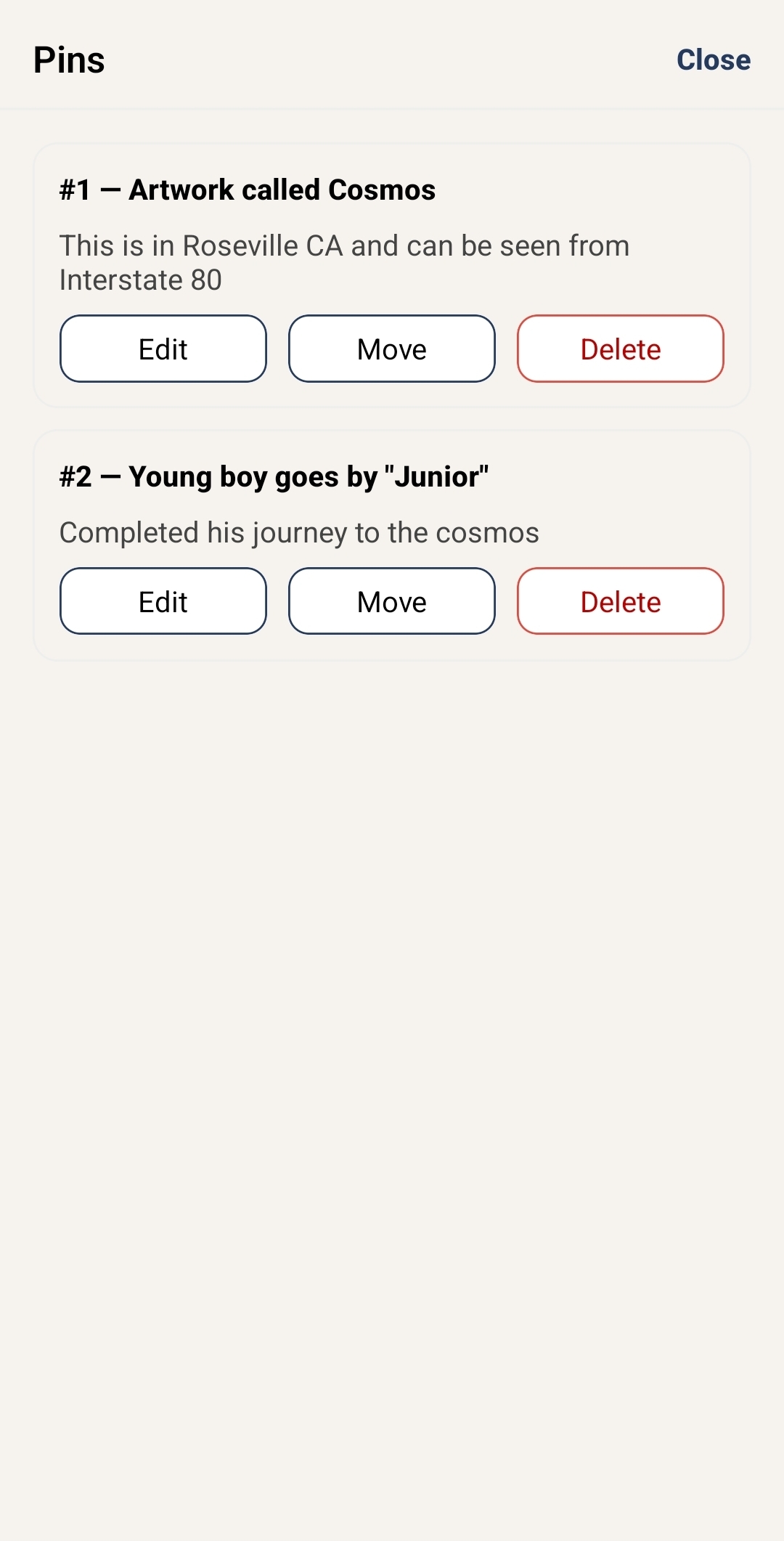
Photo & Pins
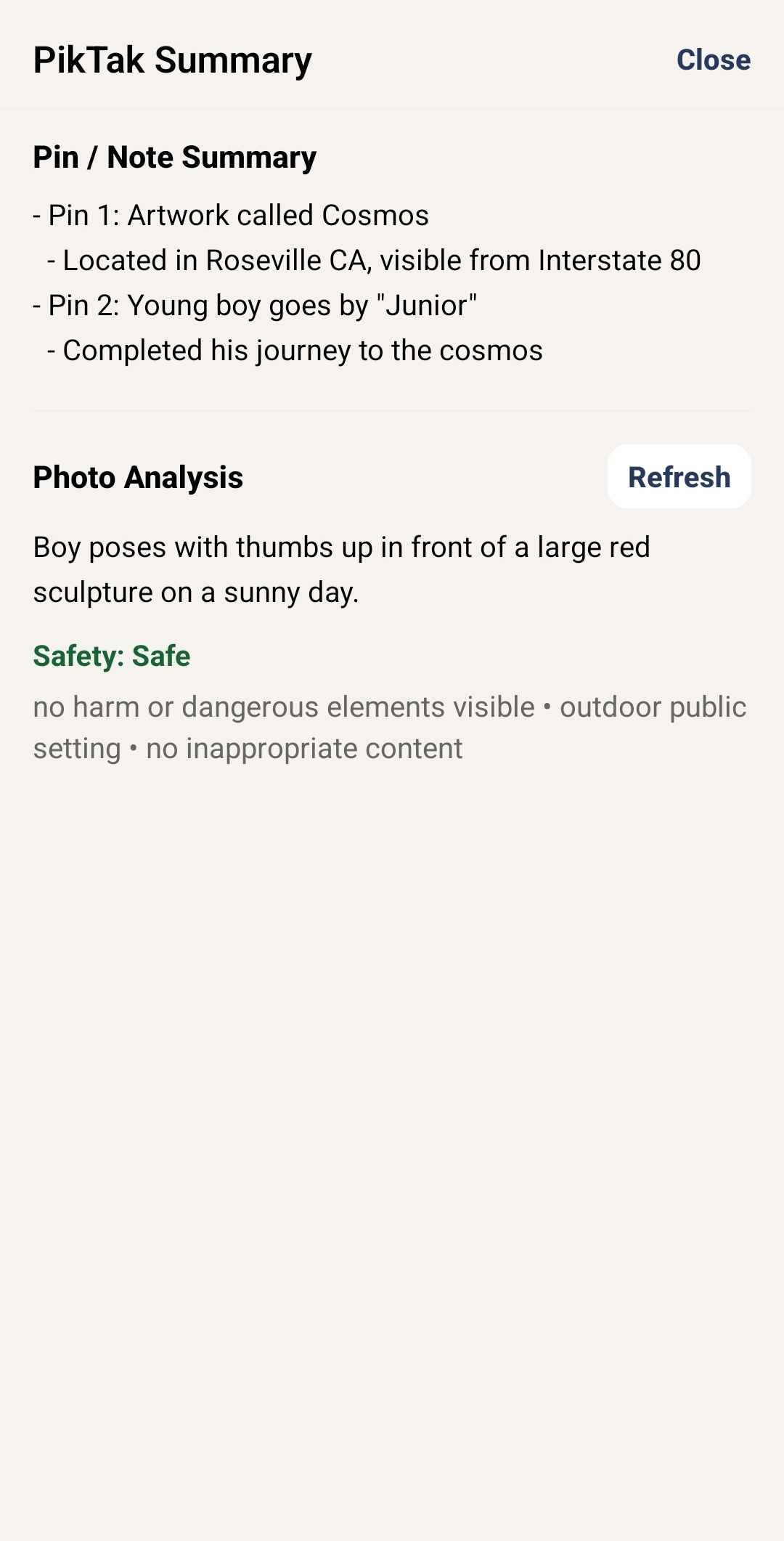
AI Summary
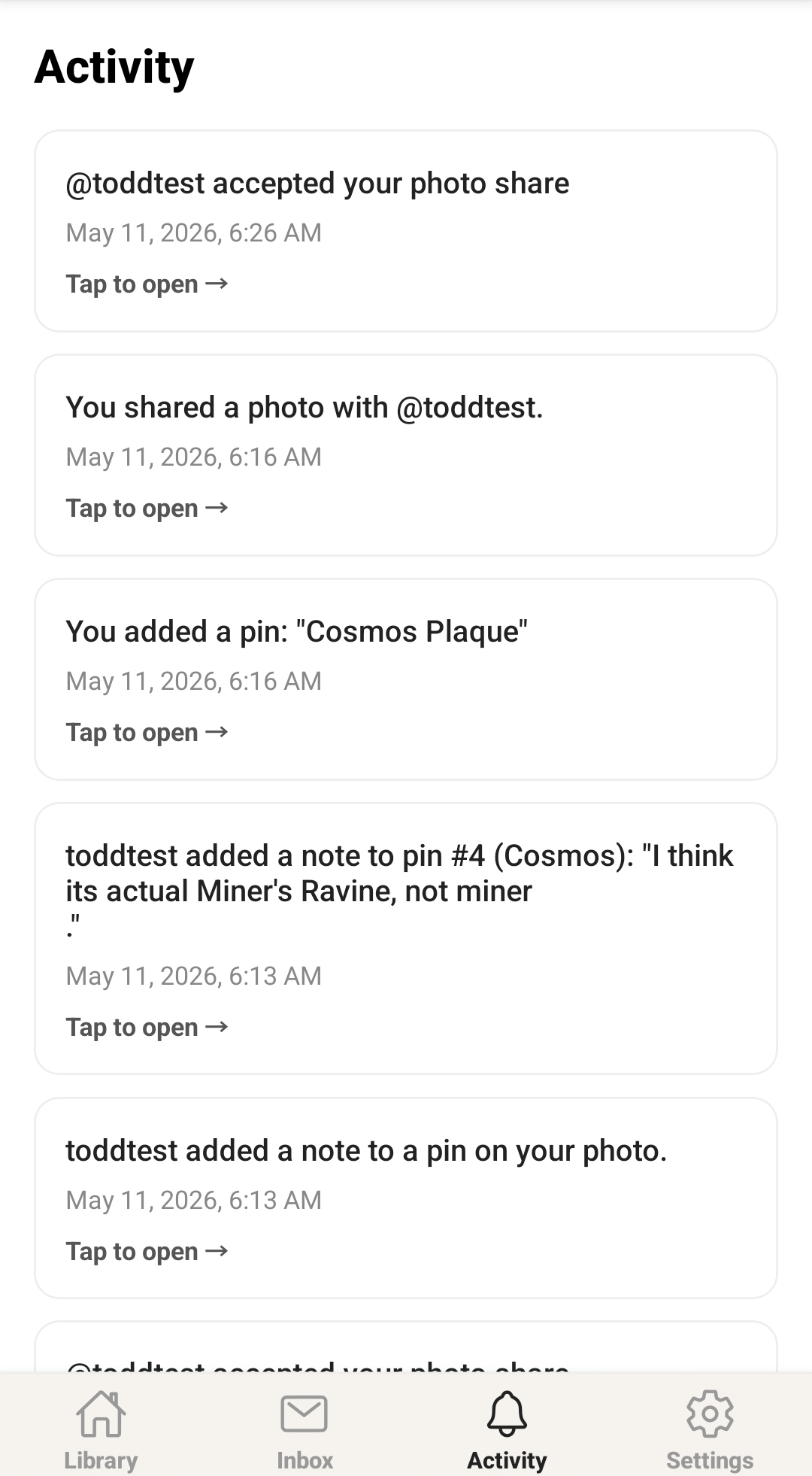
Activity
Packed with powerful features
PikTak turns every photo into a living document — with collaboration, approvals, AI, and more.
Pin Anything
Drop pins anywhere on a photo and attach a title, description, and notes. Capture every detail exactly where it lives.
Photo Galleries
Organize photos into galleries by project, job, or category. Keep everything tidy and easy to find.
Powerful Search
Search across all your photos and pin details instantly. Find anything in seconds, even buried notes.
AI Photo Summary
PikTak automatically generates an AI summary of your photo and pins — get the full picture at a glance.
Real Collaboration
Share photos with teammates and control exactly what they can do — view, add pins, annotate, or approve.
Pin Notes & Threads
Add threaded comments directly to any pin, tagged with your username. Keep conversations in context.
Approve & Dispute
Grant approval permissions so teammates can formally approve or dispute individual pins with comments.
Pin Locking
Once a pin is approved, it locks automatically — preserving the record. Unlock requests keep the workflow moving.
Push Notifications
Get notified the moment someone adds a pin, leaves a note, or approves your work — on iOS and Android.
Activity Feed
See everything happening across your shared photos in one place, with unread badges so nothing slips through.
Who uses PikTak?
From garages to hospitals, anyone who works with photos and details.
Frequently asked
Can PikTak be used as a photo documentation app?
Yes. PikTak helps you document inspections, field work, projects, inventory, assets, vehicles, and home details by adding pinned notes directly to photos.
Can I annotate photos with pins and notes?
Yes. Tap anywhere on a photo to drop a pin, then add a title, description, threaded notes, comments, and approval status.
What industries can use PikTak?
PikTak fits construction, facilities, healthcare, IT, manufacturing, warehouses, retail, education, car rentals, agriculture, home projects, and any workflow that needs visual documentation.
Is PikTak free?
Yes — PikTak is free to download on the App Store and Google Play. Create an account and start pinning right away.
What is a pin?
A pin is a marker you drop on any spot in a photo. You can add a title, description, and threaded notes to each pin — capturing exactly what's happening at that location in the image.
How does sharing work?
Tap Share on any photo and invite someone by username or email. Choose one of four permission levels — View, Add Pins, Annotate, or Approve — so they have exactly the access they need.
What does "locking" a pin do?
When a teammate with Approve permission approves a pin, it locks automatically. Locked pins are read-only — preserving the approved record. Either party can submit an unlock request to reopen it.
What is the AI Summary?
PikTak uses AI to automatically generate a plain-language summary of your photo and its pins. It gives you the full picture at a glance — no scrolling through every pin required.
Does PikTak work offline?
You can view photos and pins you've already loaded while offline. Adding pins and sharing requires an internet connection to sync with your team.
Is my data secure?
Yes. Your photos and pins are private by default. You control exactly who can see them through PikTak's permission system. We never sell your data.
Ready to start pinning?
Free to download. Works on iPhone and Android. Takes 2 minutes to set up.